Choose What Is Happening
Start with the symptom that best matches your export problem, then follow the linked detailed checks.
Alight Motion crashes while exporting
Start with the project backup, restart, official update, project-list export, and lower-setting checks.
Start with the five checks →Export failed or is stuck
If the export repeatedly stops at the same percentage or timestamp, inspect the media and effects active at that point.
Check the failure point →Export button does not respond
Try the official project-list route: long-press the project thumbnail and use Export at the bottom-left.
Use the project-list route →An error code appears
Match codes such as 1285 or 1037 to the likely resource or media-processing cause before changing the project.
Match the error code →Can’t Export? Do These Five Things First
Protect the project
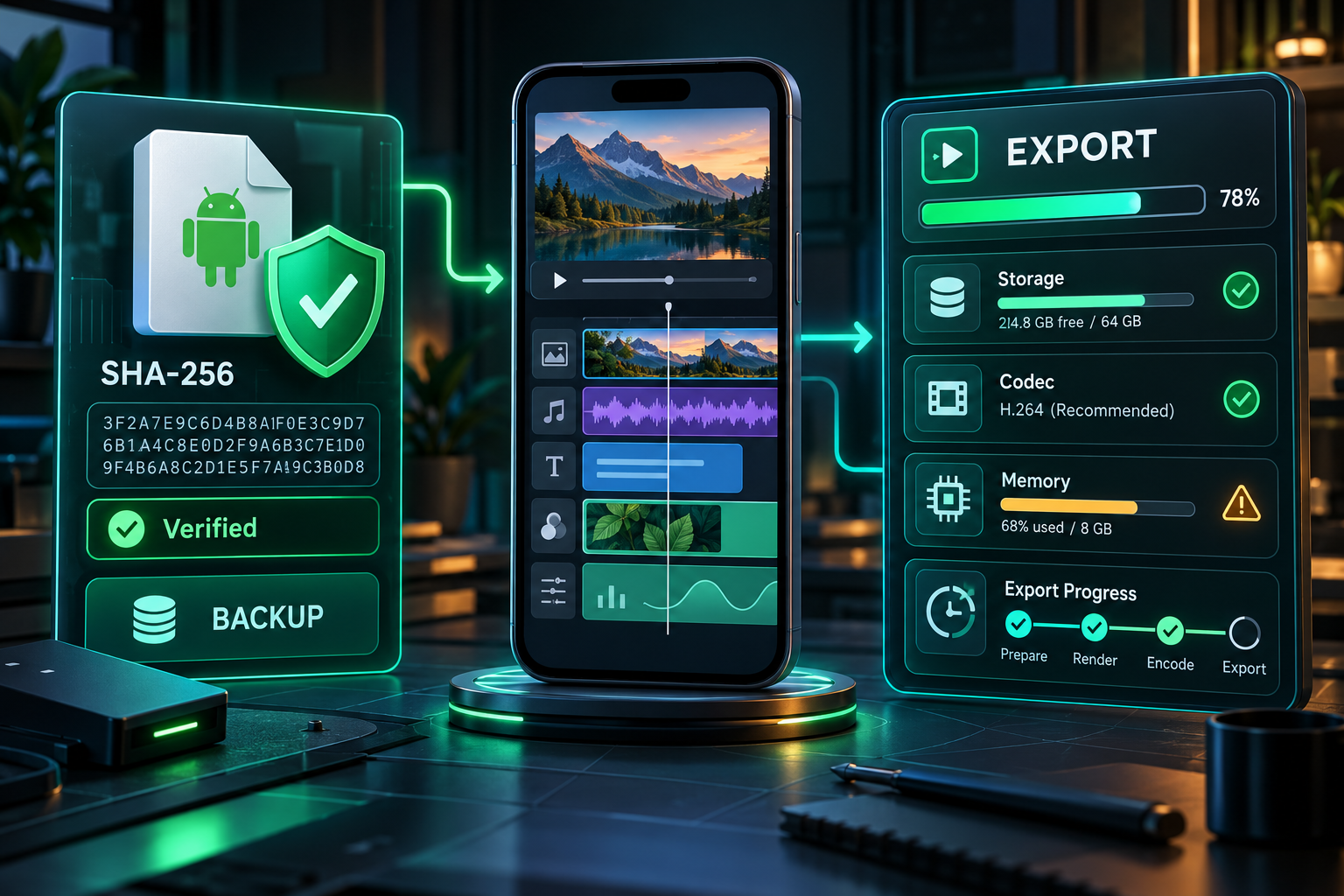
Save a duplicate and export a project package if possible. Do not uninstall the app before important work is backed up.
Restart the device
A restart clears temporary resource pressure. After restarting, leave other heavy apps closed.
Update official software
Install the newest supported Alight Motion version from the Play Store or App Store and update the device operating system.
Export from the project list
Long-press the project thumbnail and use Export. Official support notes that this can consume fewer resources than exporting from the editor.
Lower one setting at a time
Test a lower resolution, frame rate, or bitrate. Changing one variable helps identify the actual bottleneck.
Match the Symptom to the Likely Cause
| Symptom | Likely cause | Best first test |
|---|---|---|
| Export freezes at the same percentage | One heavy timeline section or damaged media | Inspect the corresponding timestamp and hide layers temporarily |
| App closes during export | Insufficient RAM or device heat | Restart, close apps, remove case, and export at lower settings |
| 1285 insufficient RAM | A timeline section requires more memory than available | Reduce overlapping video/effect layers near the reported time |
| 1037 codec init failed | Codec or layer complexity at a specific point | Simplify or replace media around the timestamp |
| Export succeeds but looks soft | Low bitrate/resolution or repeated scaling | Check project dimensions, source quality, and export settings |
| Media is absent | Permission, Demo Mode, or unsupported file | Review media permissions and source format |
Reduce Project Load Without Ruining the Edit
Pre-render complex groups
Export a completed subsection, then replace several expensive layers with the rendered clip in a copied project.
Trim unused media
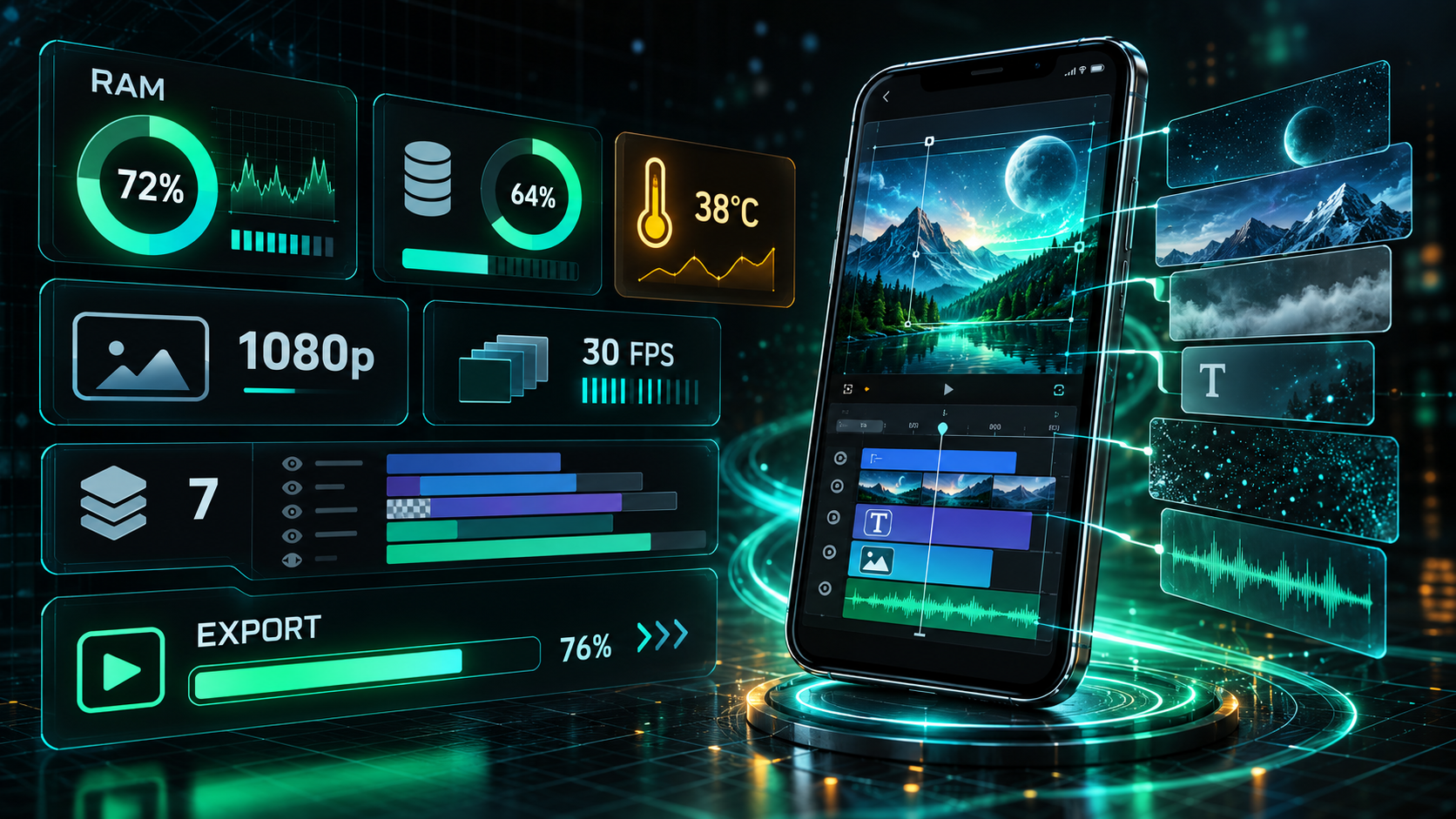
Long high-resolution files can consume memory even when only a small segment is visible.
Reduce stacked video
Check moments where several video layers, blurs, masks, and color effects overlap.
Test a short range
Export a small section around the failure point to isolate a problematic effect or media file.
Lower preview and export load
Use 1080p or 720p and a lower frame rate for diagnosis before returning to the target quality.
Keep storage free
The app needs room for source media, cache, temporary render data, and the completed file.
Codec and Source-Media Checks
A project can fail because one imported clip is encoded in a way the device handles poorly. If every export stops at the same timestamp, duplicate the project, hide the media active at that moment, and test again. When the export succeeds, transcode or replace the suspect clip rather than rebuilding the entire project.
Variable-frame-rate recordings, screen captures, very high-resolution clips, and damaged downloads deserve extra attention. Keep the original media untouched and test a standard MP4 copy in the duplicated project.
Choosing Export Settings
| Goal | Starting resolution | Frame rate | Quality approach |
|---|---|---|---|
| Social story/reel test | 720×1280 | 30 fps | Moderate bitrate for fast diagnosis |
| Standard vertical delivery | 1080×1920 | Match source, often 30 fps | Raise bitrate only after a stable test |
| Standard landscape delivery | 1920×1080 | Match the project | Avoid upscaling low-resolution sources |
| High-frame-rate delivery | Project resolution | 60 fps only when source and motion benefit | Expect greater memory and file-size demand |
| 4K delivery | 3840×2160 where supported | Match source | Use only when device, assets, and destination justify it |
When to Contact Official Support
Contact official support when a minimal new project also fails, the app crashes immediately after an official update, a paid membership is not recognized, or an error persists after the official troubleshooting steps. Include the device model, OS version, exact app version, export settings, error code, and the point where the failure occurs.
Avoid sending private source footage unless the support process specifically requires it and you understand how it will be handled.
Frequently Asked Questions
Why does Alight Motion stop exporting at the same percentage?
How do I fix insufficient RAM?
Will clearing the app delete my projects?
Why does a 4K export fail when 1080p works?
Primary Sources
Core product facts on this page were checked against the following official or developer-controlled sources. Availability and requirements can change after publication.
Related Pages
PC Workflow
Understand emulator resource limits.
Read page →Old Versions
Know the risks before downgrading.
Read page →Keyframe Guide
Simplify and polish motion before export.
Read page →