Why Users Look for Older Versions
An older build can be useful when a recent release no longer supports a device, introduces a project-specific bug, or demands more memory than the phone can provide. Familiarity with an older interface is another reason, but it should not outweigh security and compatibility.
Downgrading is not a universal fix. Older apps can lack bug fixes, current account support, newer effects, and compatibility with recent project packages. Start by reducing project complexity and checking official support guidance before changing versions.
Version Record and Archive Status
| Version family | Best considered for | Important limitation | Status |
|---|---|---|---|
| Current site-hosted record | Supported devices and current projects | May require newer Android and more resources | Published record; binary not independently inspected |
| 5.0.x earlier builds | Testing a regression within the same major line | Project behavior can still differ between builds | No verified download published |
| 4.x builds | Older device or legacy project testing | Missing newer tools and fixes | No verified download published |
| 3.x and earlier | Historical compatibility only | High compatibility and security uncertainty | Not recommended by default |
How to Choose the Right Version
Match Android support
Confirm the build supports the Android version and processor architecture on the device.
Match the project
A project created with newer effects may not open correctly in an older release.
Prefer a verified source
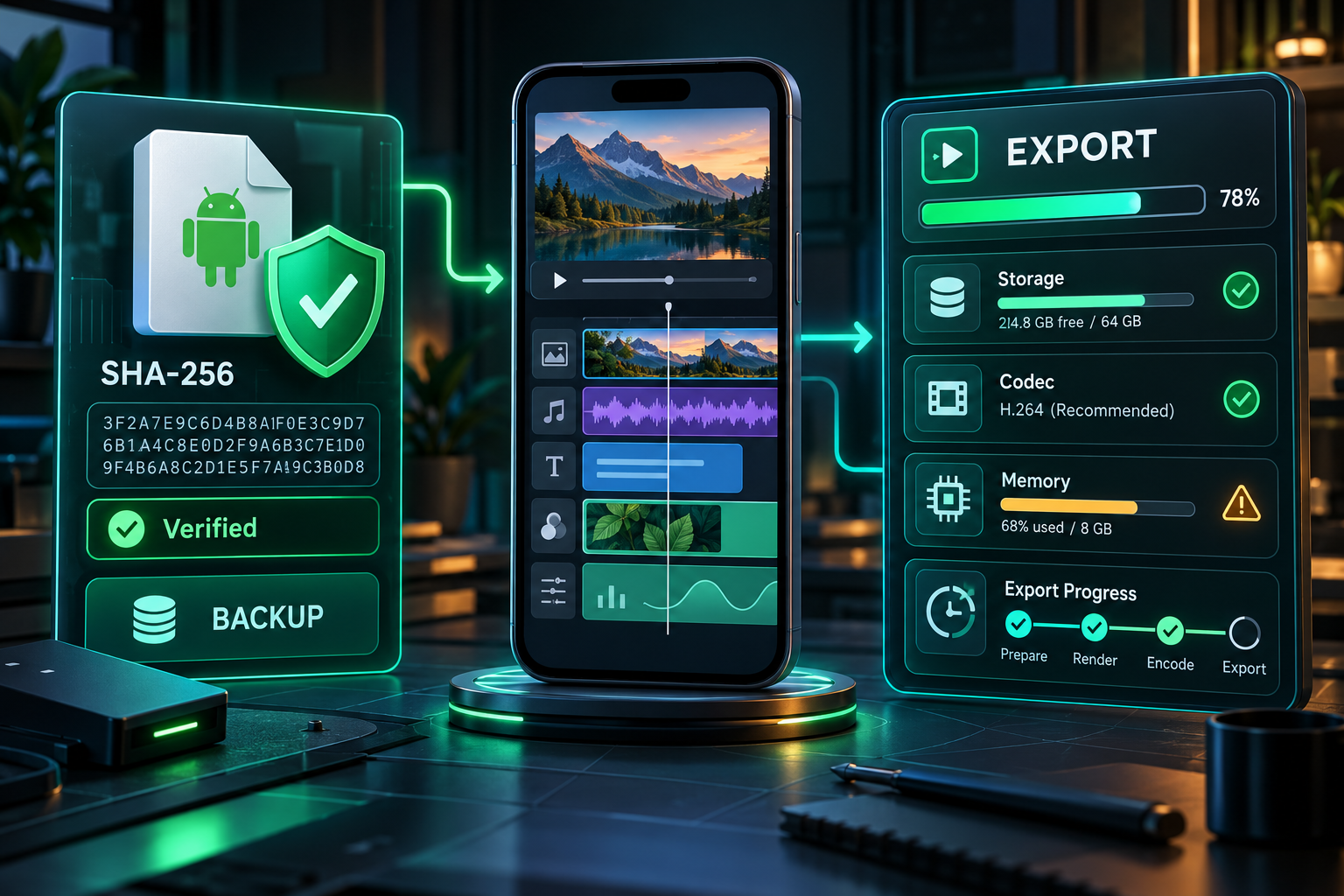
Compare the package name, signature, checksum, release date, and scan report before installation.
Back Up Before Downgrading
Export important project packages
Open every valuable project and create an external package where the app supports it.
Save original media and fonts
Project packages may not solve every missing-asset problem. Keep source clips, audio, overlays, and fonts together.
Record the working app version
Note the exact build that currently opens the project and capture key export settings.
Test one copied project
Do not make the first downgrade experiment on the only copy of an important project.
What Can Go Wrong During a Downgrade
- Android may block installation when a newer version with the same package is already present.
- Removing the current installation may also remove locally stored projects.
- New effects, fonts, project data, or subscription state may not be understood by an old build.
- Older releases may contain known crashes or security weaknesses that were fixed later.
- Automatic updates can replace the old version unless Play Store update behavior is reviewed.
Frequently Asked Questions
Are older versions better for low-end phones?
Will downgrading delete projects?
Can a new project open in an old version?
Which old version should I install?
Primary Sources
Core product facts on this page were checked against the following official or developer-controlled sources. Availability and requirements can change after publication.
Related Pages
Latest Android Guide
Review the current build and requirements first.
Read page →Fix Export Problems
Try resource-focused fixes before downgrading.
Read page →Presets & Packages
Protect and move reusable project work.
Read page →